
Install Notifly
Follow these steps if your store uses the Korean Cafe24 App Store. If you use a Cafe24 App Store outside Korea, ask Notifly whether the app is available there.- On the app’s listing, select 문의하기 (Contact) to ask about pricing and contract requirements before you install the app.
- Create a Notifly account.
- In the Cafe24 App Store, select 설치하기 (Install).
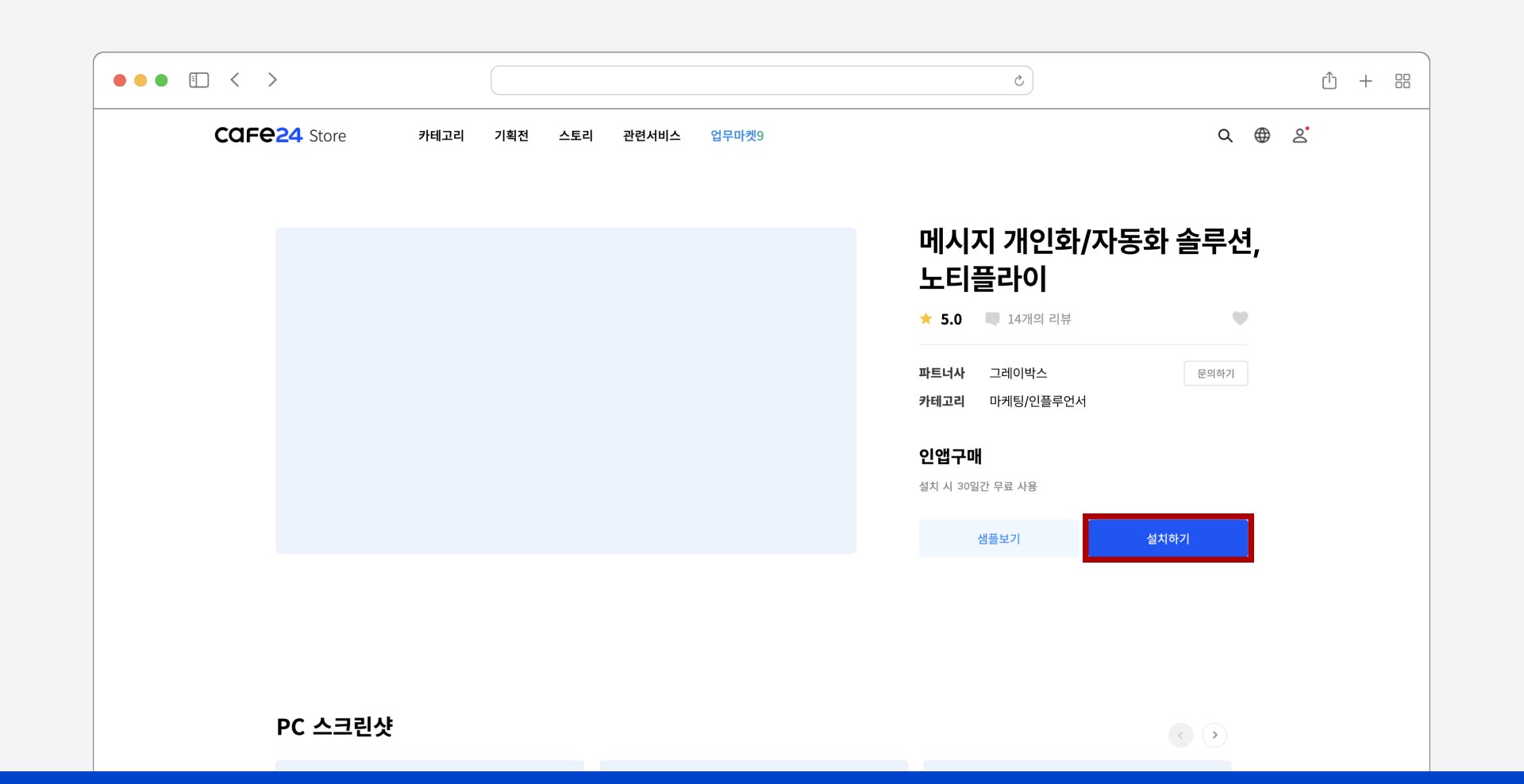
- Accept the requested permissions. Cafe24 starts connecting your store to Notifly.

- When the setup notice appears, select 계속하기 (Continue).
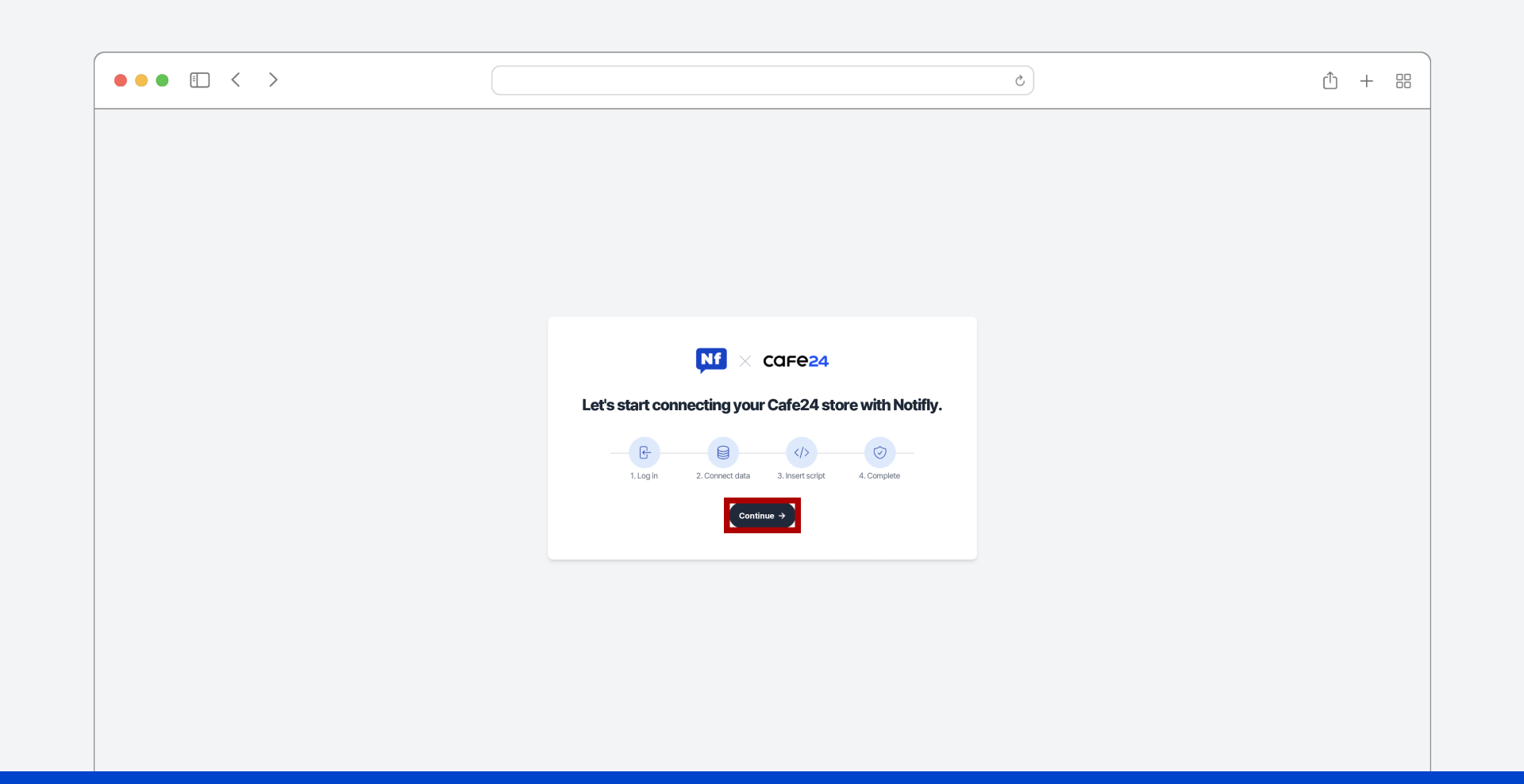
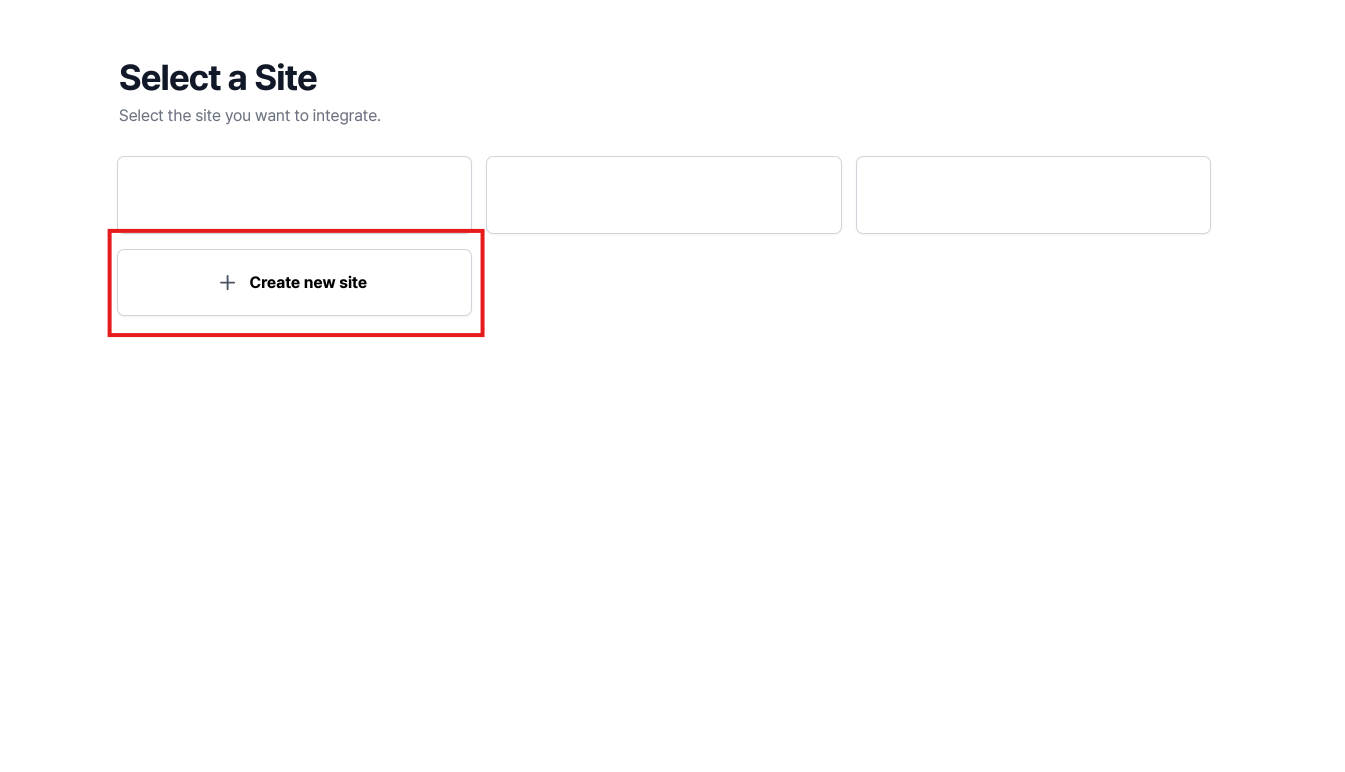
- Sign in to Notifly. To connect an existing site, select it and wait for the integration to finish. To connect a new site, select 새 사이트 생성 (Create a new site) and go to step 7.
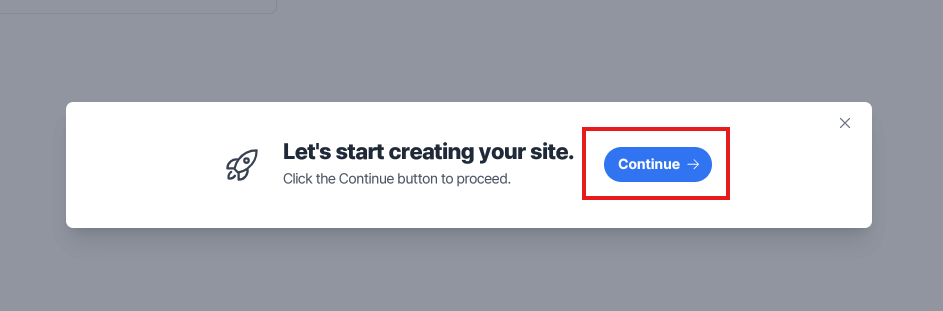
- Select 계속 (Continue).
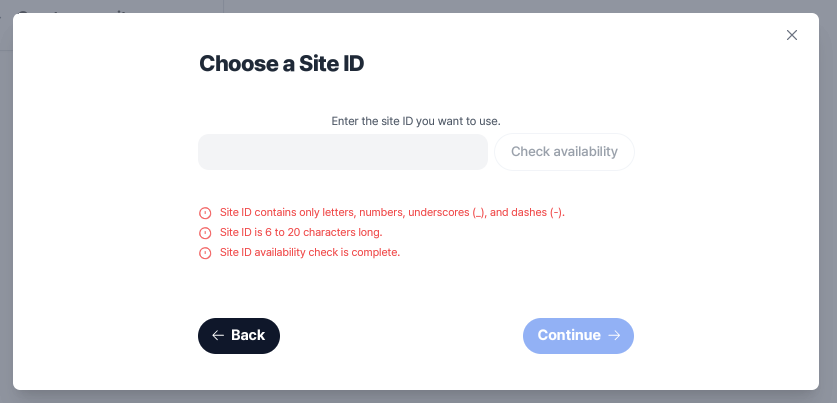
- Create a site ID, then select 계속 (Continue).
- Choose a plan.
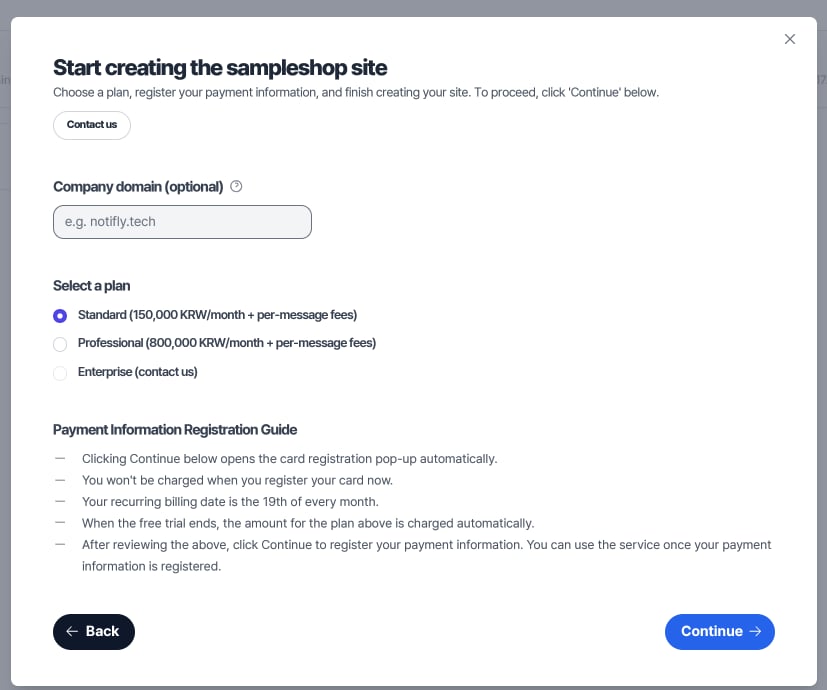
- Register a payment card to complete the integration.