
Compare a user property with the send date
Set the target audience by comparing a date stored in a user property, such as a sign-up date or birthday, with the scheduled send date. For example, you can:- Send a welcome message at 8:00 AM the day after sign-up.
- Send a birthday message three days before the user’s birthday.
1-1. Before you start
- Store each date in a consistent format, such as
YYYY-MM-DDorYYMMDD, using Korea Standard Time (GMT+9, Asia/Seoul). Use the same format in the comparison value. - Test your Liquid expression at
https://notifly.tech/console/products/{productId}/utils/liquid-playground. Replace{productId}with the product ID from your console URL.
1-2. Set up the campaign
This example sends a message daily at 8:00 AM Korea Standard Time to users who signed up the previous day.- Delivery timing
- Select Daily Scheduled Delivery.
-
Choose
Asia/Seoulunder Set Timezone and set the delivery time to 8:00 AM.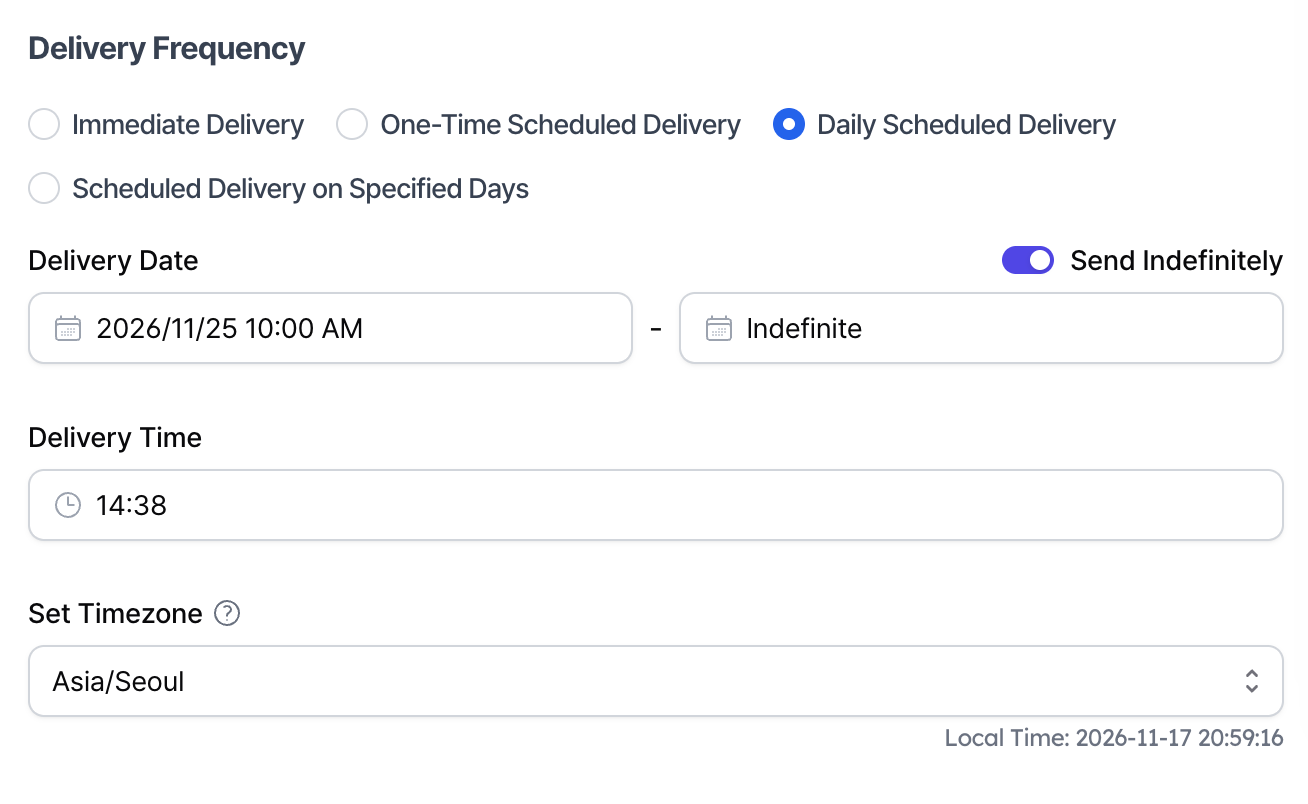
- Target audience
-
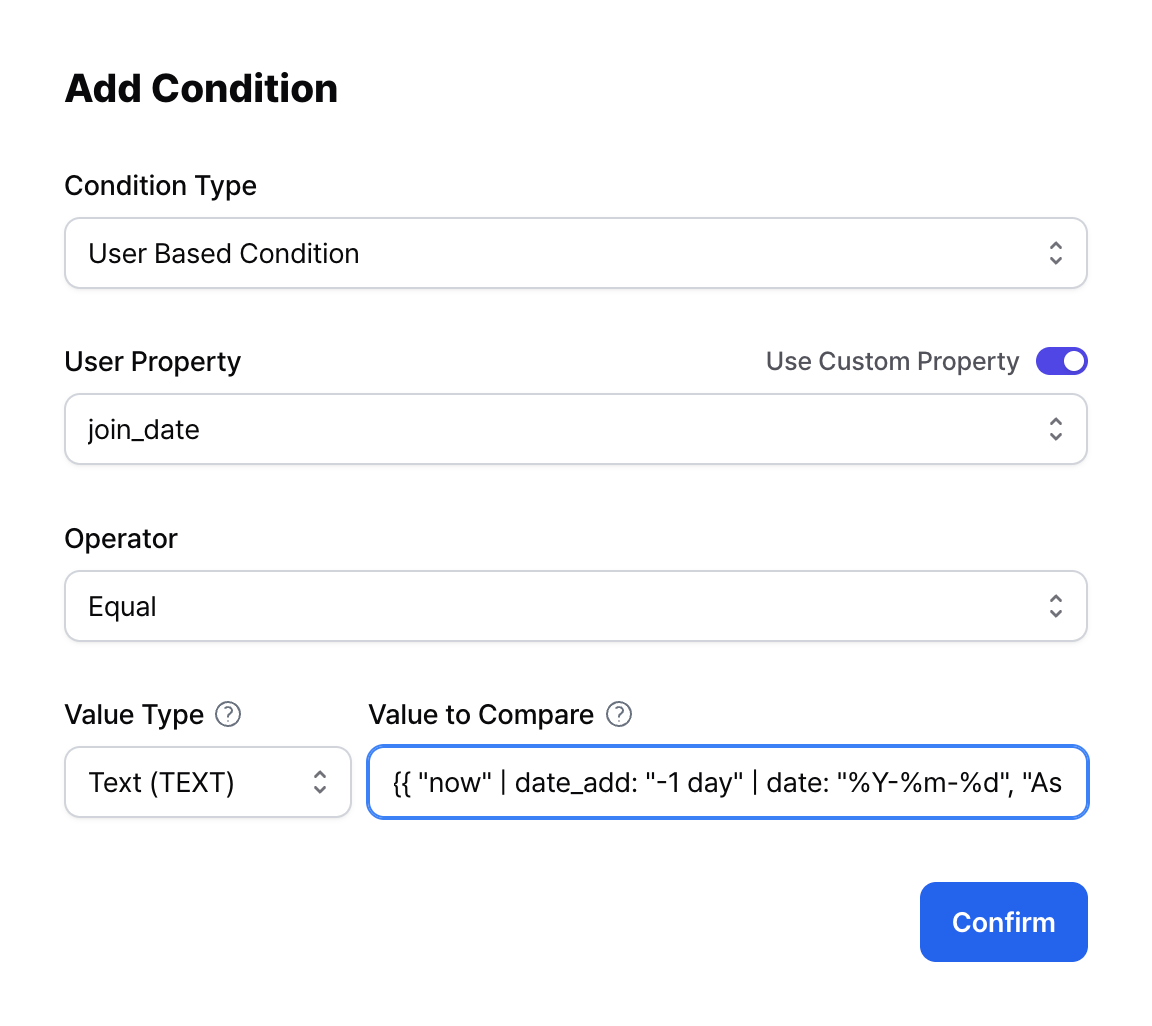
Target users whose
join_datematches the previous day’s date in Korea Standard Time. This example usesYYYY-MM-DD. -
Enter this comparison value.
"now"is the current time.date_add: "-1 day"subtracts one day.date: "%Y-%m-%d", "Asia/Seoul"converts the result to Korea Standard Time and formats it asYYYY-MM-DD.
-
Target users whose