- iOS
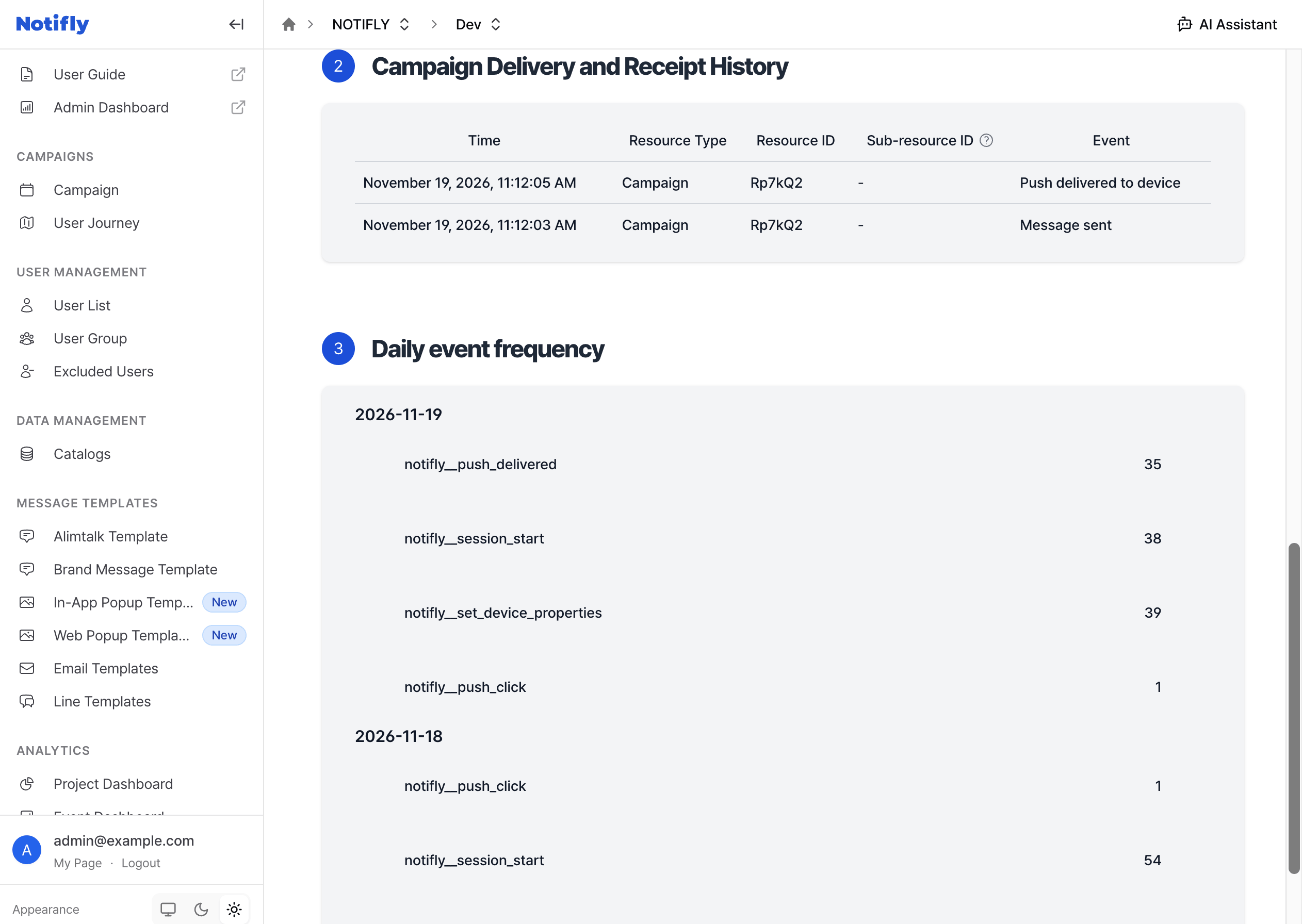
Rich push notifications display media, such as images and videos, and collect push delivery metrics.
This feature is available only on iOS. Flutter and React Native apps need the same configuration for their iOS targets.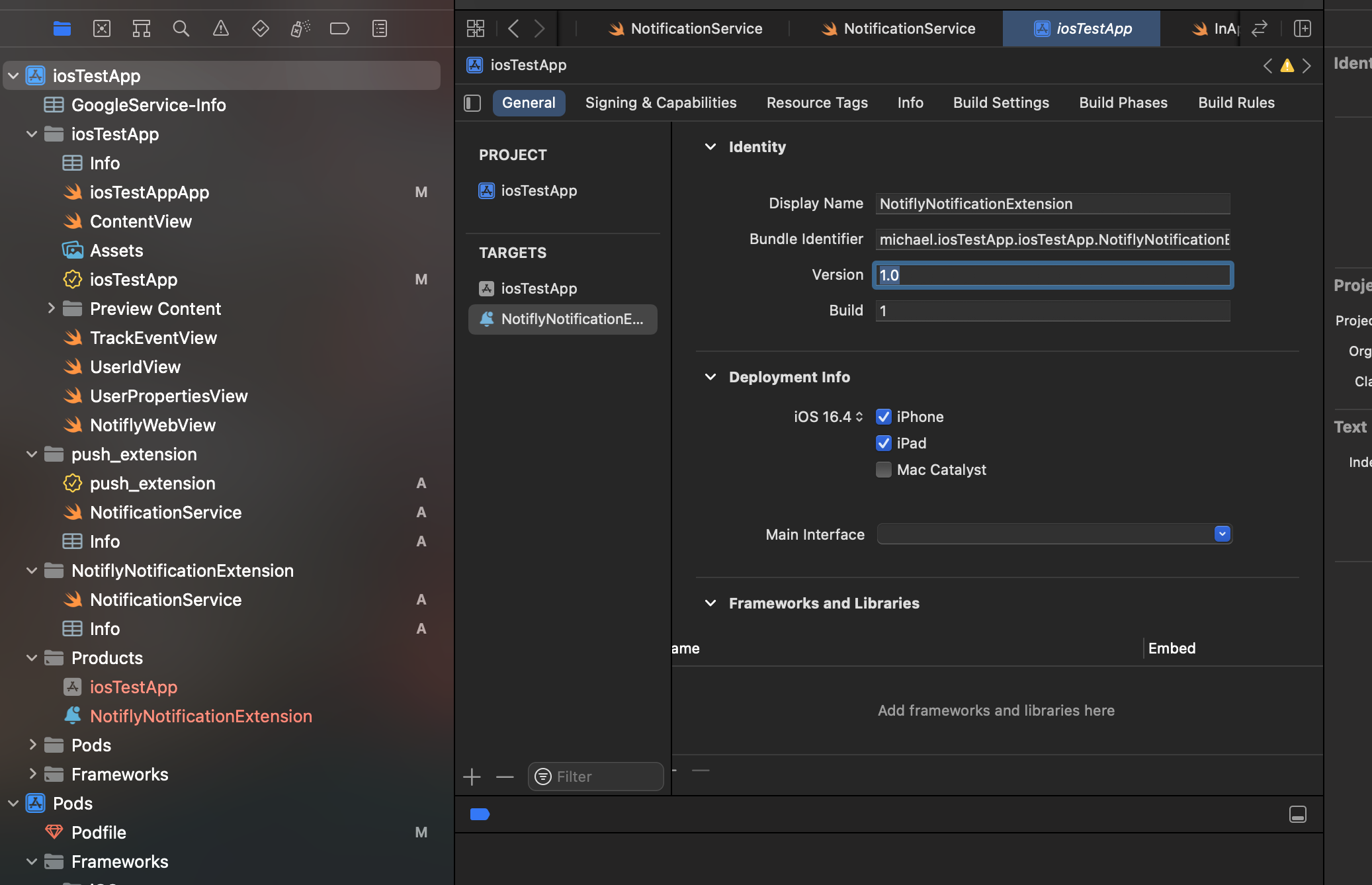
SDK version requirements
- iOS SDK: 1.3.0 or later
- React Native: 3.0.4 or later
- Flutter: 1.2.3 or later
1. Set up a Notification Service Extension
-
Open the project in Xcode. For Flutter or React Native projects, select the
.xcworkspacefile in theiosfolder.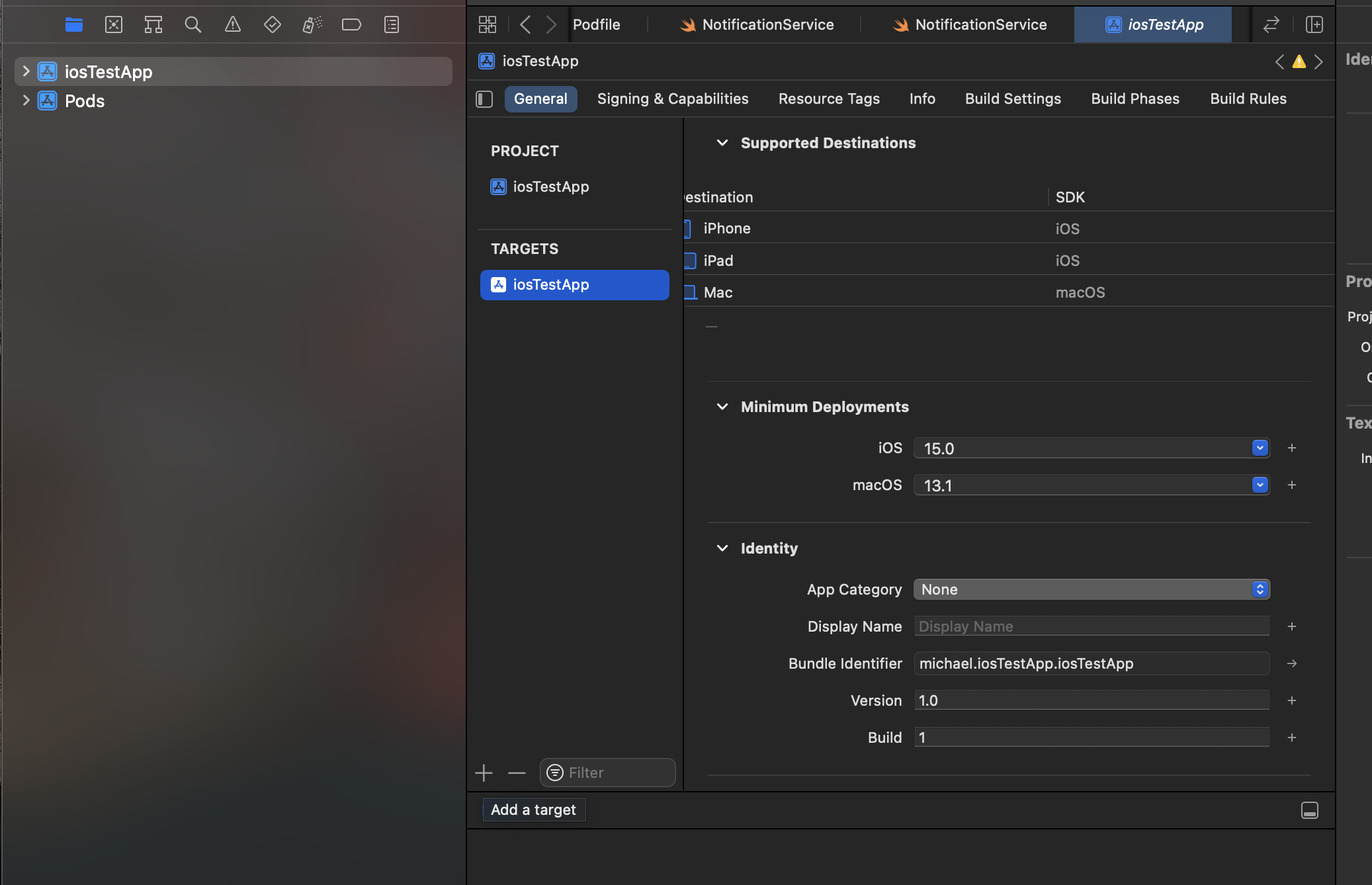
-
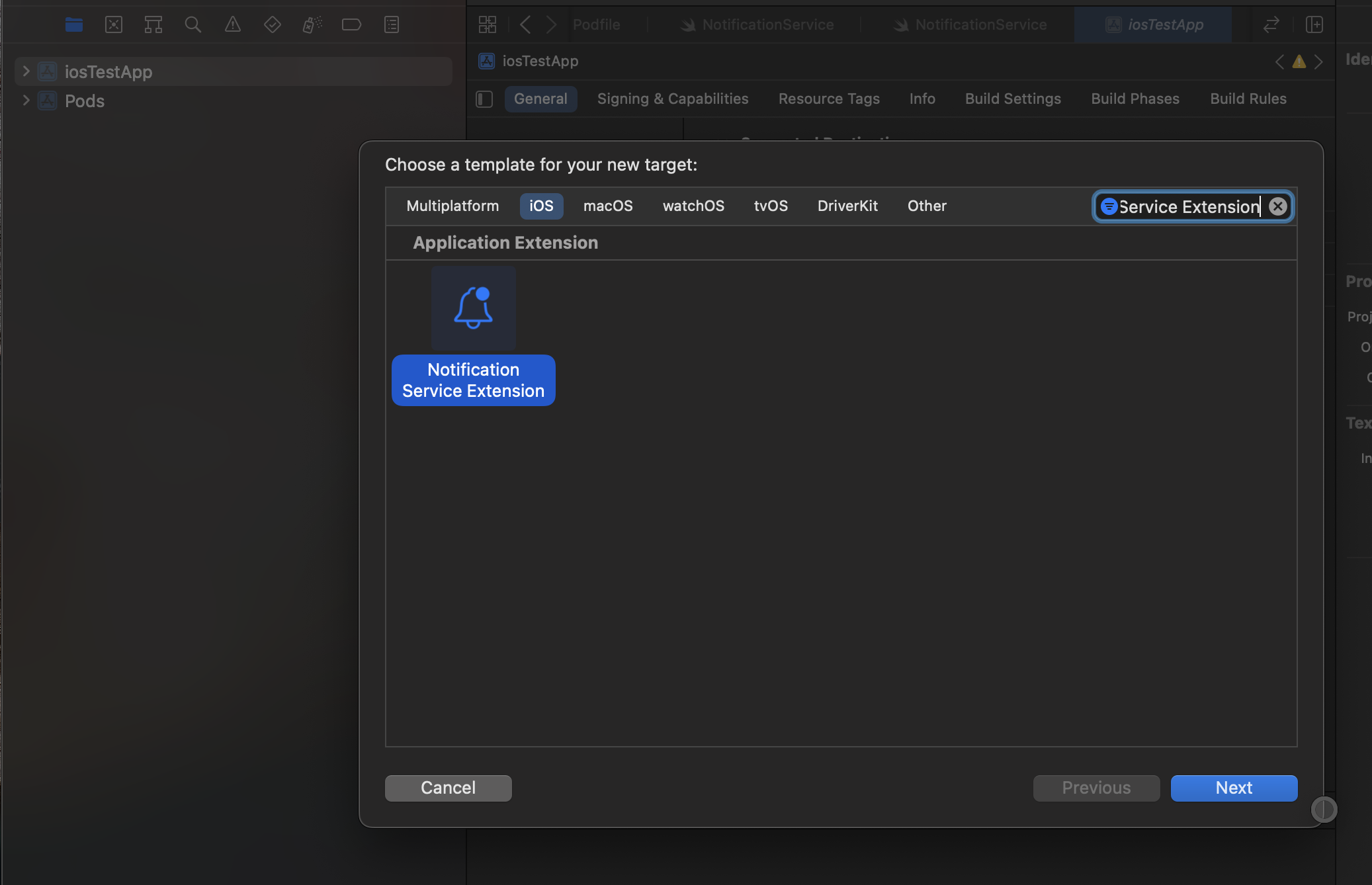
Select the project in Project Navigator, then click the + button to add a Notification Service Extension.
-
Set Product Name to
NotiflyNotificationExtension, then click Finish.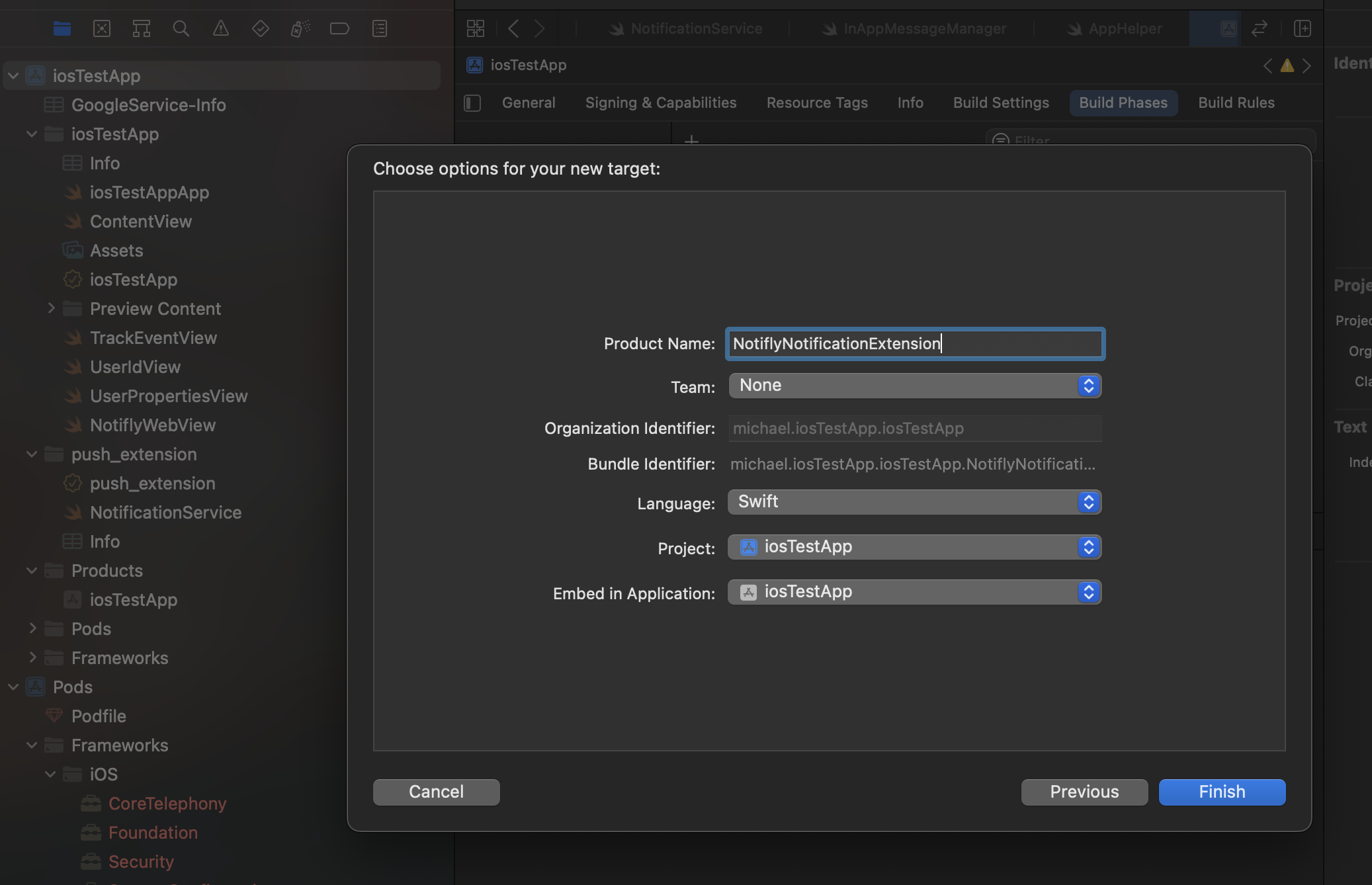
2. Configure App Groups
-
Use
group.notifly.{username}as the group ID. Findusernamein the SDK credentials in the Notifly console. -
Add App Groups in the Signing & Capabilities tab for both the main app target and the extension target. Set the same group name,
group.notifly.{username}, for both targets.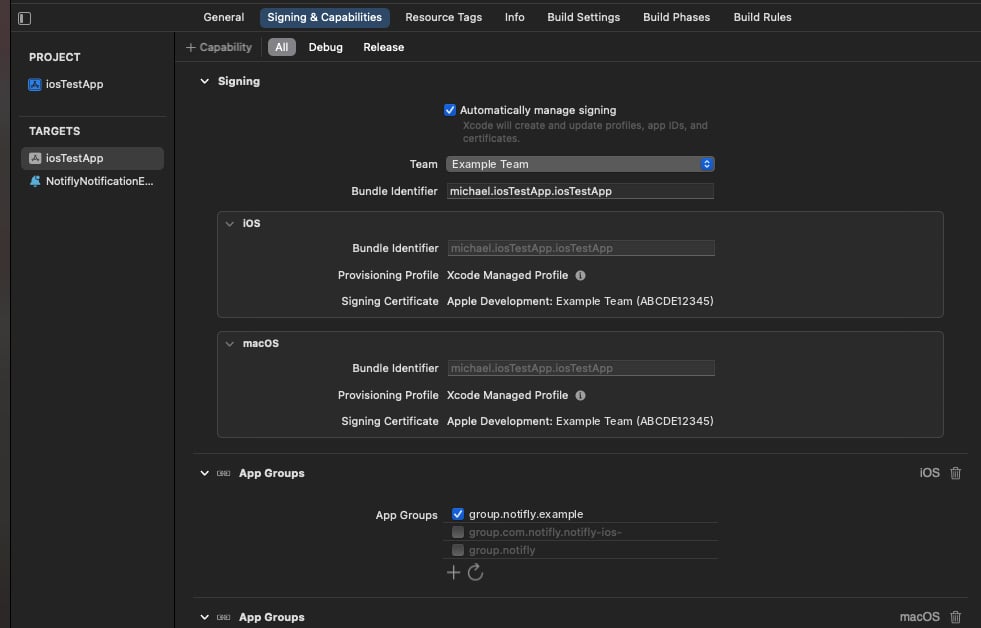
3. Add the SDK
- CocoaPods
- Swift Package Manager
Install the Notifly SDK as a static library in the extension target.
4. Add the extension code
Add the following code toNotiflyNotificationExtension/NotificationService.swift. In the Notifly console, open Settings > Product & Project. Find
PROJECT_ID under Project Info and USERNAME under SDK Auth Info. - No existing extension
- Existing extension
5. Test the integration
Follow the steps in Test your integration.- Test a push notification with an image. Send a push notification with an image and confirm that the image appears on the device.
-
Check the device receipt event.
Send a test push notification and open the user’s profile in the Notifly console. Check the message history for 기기 푸시 수신 성공, the event that records receipt on the device.